KNOWLEDGE BASE
Welcome to the official Technical Resources library. Here you will find essential documentation to master offline programming with Robotmaster. Whether you are looking for installation steps for Version 7, deep dives into 6-axis kinematics, or advanced welding parameters, these guides are designed for engineers and integrators.
Understand singularities, collisions, and tool frame (TCP) management.
Step-by-step setup for Robotmaster Academy V7.
Best practices for Welding, Cutting, and Spraying simulation.
Here you can access all the technical resources necessary to master Robotmaster. Browse the cards below to find specific guides.
Available Downloads:
Introduction to Industrial Robots
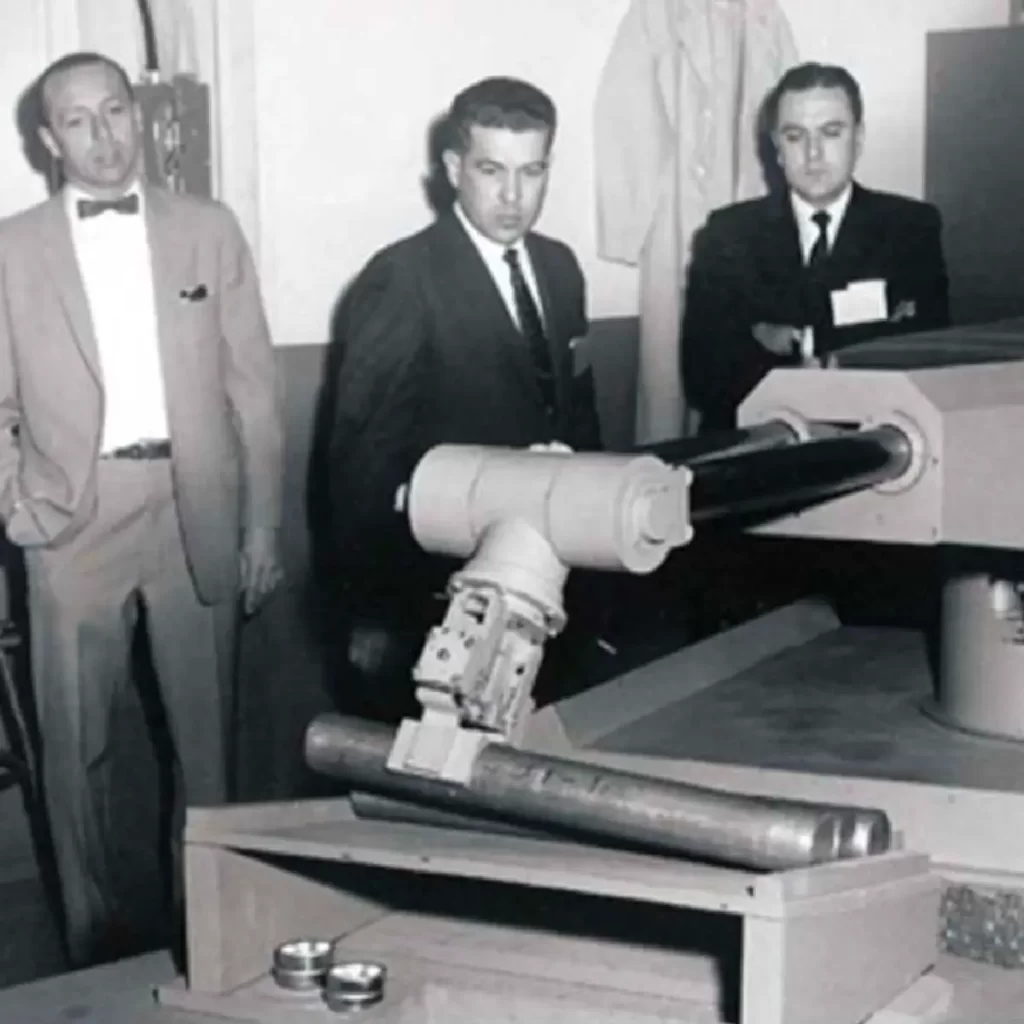
Discover the evolution of automation, from the earliest toy-based prototypes to the revolutionary Unimate #001 that transformed the automotive industry.
Anatomy of a Robotic System
A deep dive into what makes a robot work: exploring the manipulator, controller, and the vital role of AC servomotors and software in modern motion control.
Industrial Robot Types & Geometries
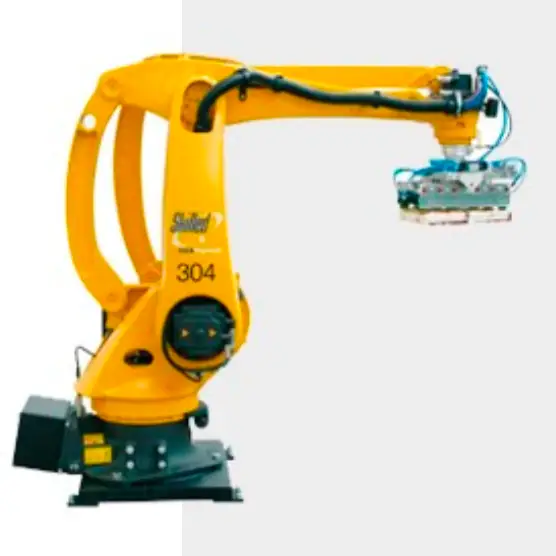
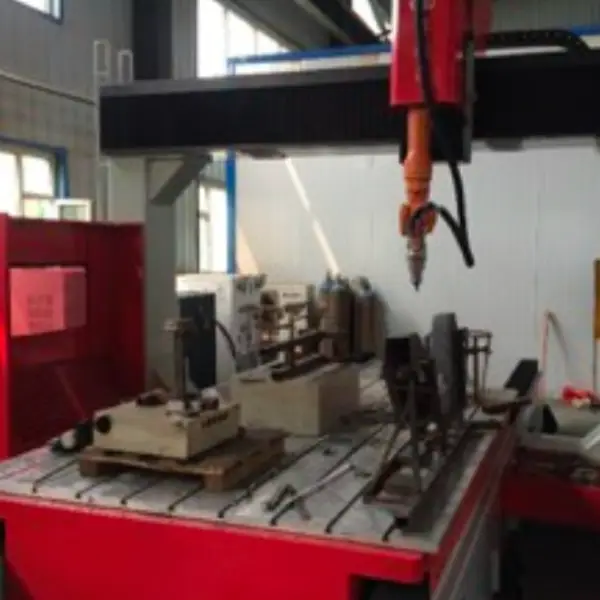
Learn the technical differences between Cartesian, SCARA, Delta, and Articulated robots, including advanced 7-axis configurations and hybrid systems.
Kinematics & Programming Challenges
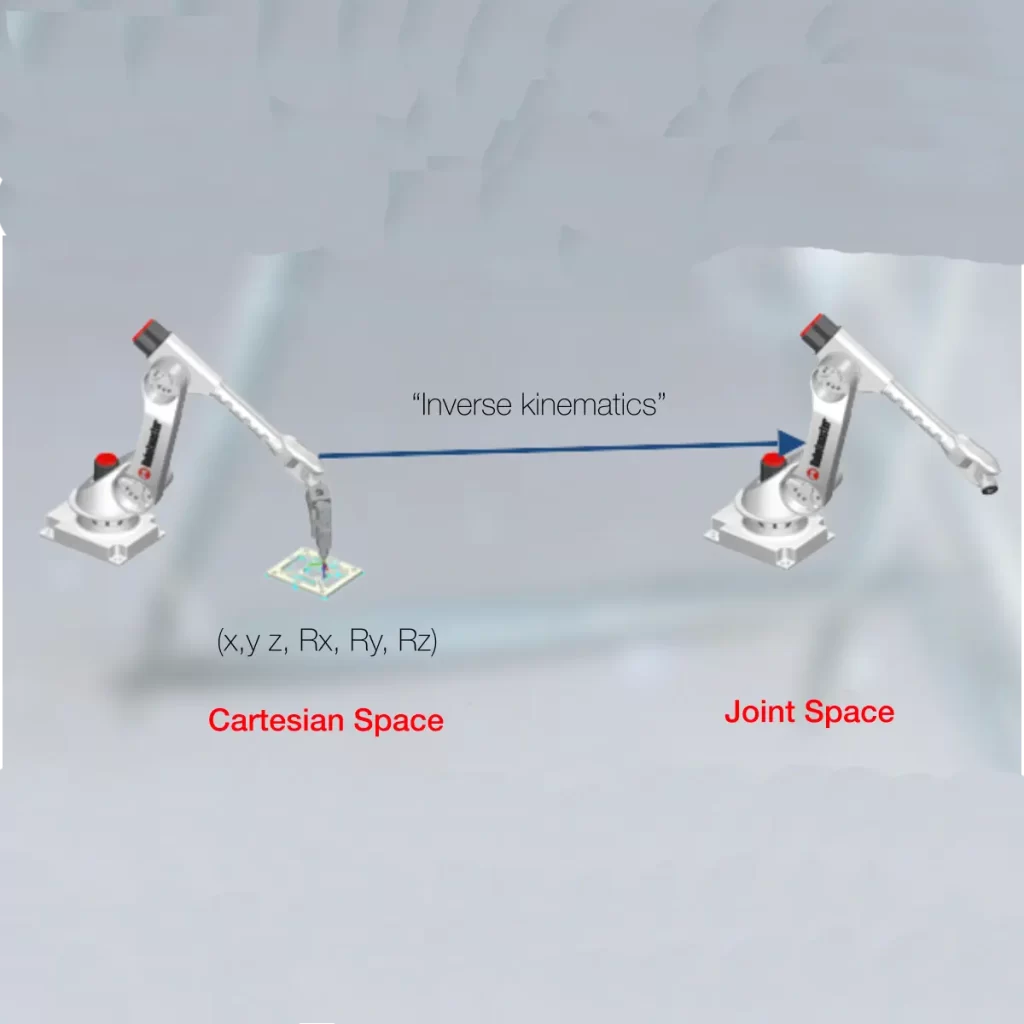
Master the mathematics of 6-axis motion. Learn to handle Inverse Kinematics, User Frames, TCP setup, and solve common issues like singularities and collisions.
Our library provides essential documentation for offline programming. You can download specific guides for Robotmaster V7 installation, CAD configuration, and strategies for solving complex kinematic issues.
Yes. The “Kinematics Guide” specifically addresses 6-axis robot challenges. It explains how to manage singularities, avoid collisions, and understand the difference between tool frame (TCP) and user frame, which are critical concepts for any integrator.
Absolutely. We offer dedicated documentation for manufacturing processes. You will find PDF files on setting up welding parameters, cutting paths, and spraying simulation to optimize your cycle times.
Yes. We start with the fundamentals. The “Introduction to Industrial Robots” covers the history (from Unimate to Kuka) and the anatomy of a manipulator (Joints J1 to J6), serving as perfect learning material for students and new engineers.
The “V7 Installation Manual” is one of our most popular downloads. It guides you step-by-step through licensing, file importation, and switching between Device Mode and Task Mode.
Implementing Robotmaster allows you to program robots without stopping production. By using these guides, you ensure that your cell operates at maximum efficiency. Our OLP software bridges the gap between CAD and the physical robot, translating complex geometries into optimized paths. Whether you are dealing with Inverse Kinematics or simple contouring, correct configuration is key. Use our library to standardize your workflow and reduce programming time by up to 70% compared to the teach pendant method.
Still haven’t found the right technical resources? Contact our support team for more advanced documentation.
Glossary of Industrial Robotics Terms
The defining point of the tool's interaction with the part. Accurate TCP calibration is crucial for successful simulation and manufacturing.
A point in the robot's workspace where a joint loses the ability to move freely (often Wrist singularity). Our kinematics guide provides strategies to predict and avoid this error.
The method of programming robots inside a virtual environment like Robotmaster V7, eliminating the need for physical teaching points.